Mobile phone buying guide for work, travel, and field use

Quick answer for buyers
A useful mobile phone buying guide starts with the job the phone has to do, not with the most expensive processor or the largest camera number. For most buyers, the right phone offers reliable carrier support, enough battery life for a full workday, a clear screen, dependable software updates, suitable storage, and a design that can handle the environment where it will be used. For technical users, field staff, laboratory teams, and frequent travelers, durability, USB-C charging, repairability, security controls, and documentation quality may matter more than gaming performance. Public sources such as IDC, Ericsson, the European Commission, Google Android Enterprise materials, the FCC, and the FDA all support the same practical buying principle: choose a phone that can remain safe, supported, and usable for several years. For related purchasing frameworks, see our buying guides.
Start with the use case before comparing specifications
Mobile phones are now general-purpose work tools. The same device may be used for calls, messaging, authentication, field photos, instrument app access, QR code scanning, video meetings, logistics updates, payment approval, and emergency communication. Because the workload varies so widely, a single best-phone recommendation is rarely useful. A lightweight consumer phone may be the right choice for office use, while a technician working outdoors, around dust, or in wet conditions may need a more durable model with stronger ingress protection and a longer security support window.
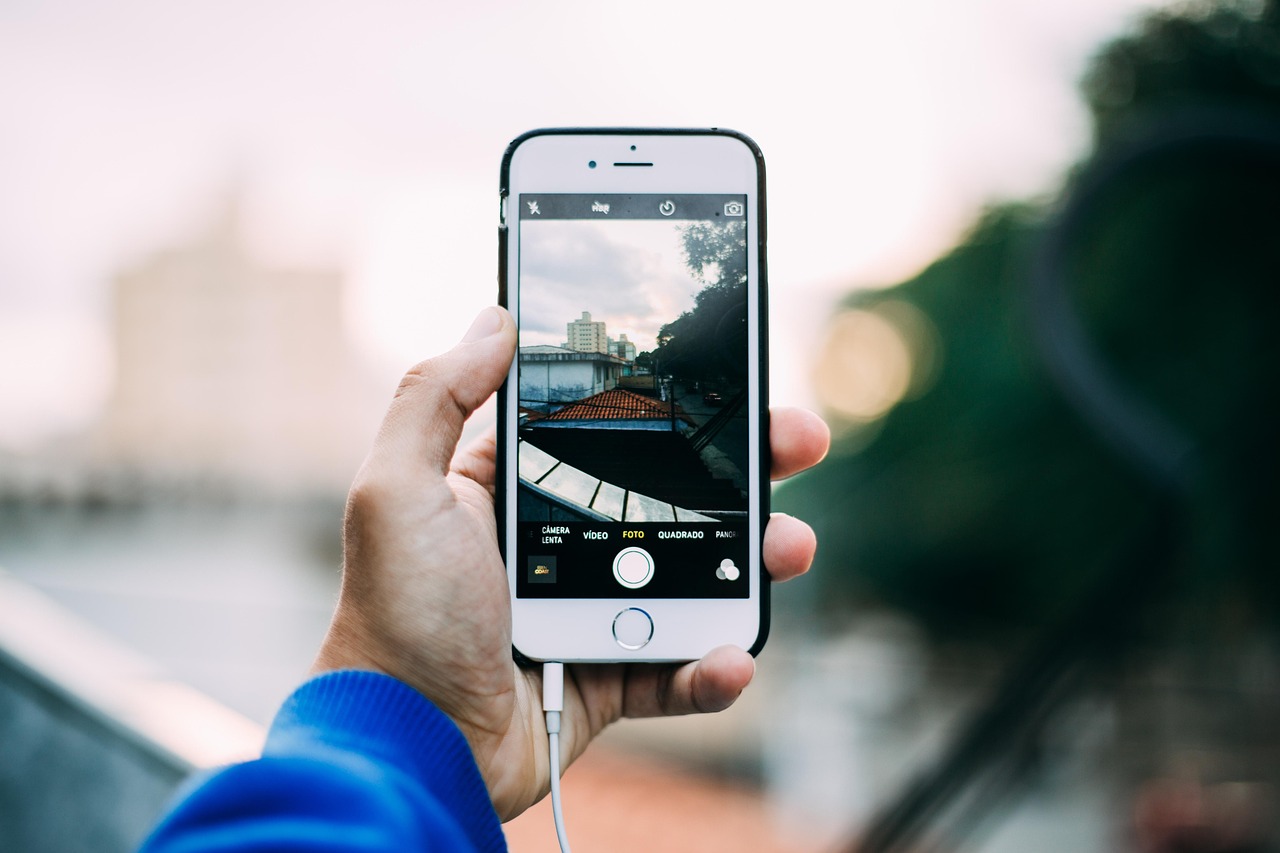
Before comparing brands, define the phone’s primary job. A personal phone used mainly for messaging, maps, and photos should prioritize battery life, display quality, camera reliability, and long software support. A phone used by field or laboratory staff should add durability, glove-friendly handling where relevant, strong wireless connectivity, device management compatibility, and a clear replacement plan. A business fleet should prioritize consistent model availability, security patches, enrollment tools, repair logistics, and accessories that will remain available throughout the phone’s operating life.
- Everyday personal use: balanced processor, strong battery, good camera, and long update support.
- Travel use: broad carrier compatibility, eSIM support, strong GPS, good battery, and reliable charging accessories.
- Field or laboratory support: IP-rated durability, good close-focus camera performance, bright screen, and secure work profile support.
- Business deployment: predictable update policy, mobile device management compatibility, repair availability, and clear end-of-life planning.
Connectivity and performance should last beyond the first year
Connectivity is a long-term buying decision. Ericsson reported that global 5G mobile subscriptions passed three billion in the first quarter of 2026, which means 5G is no longer a niche premium feature. Buyers who expect to keep a phone for three to five years should usually choose a 5G-capable model, provided it supports the bands used by their carrier and region. In the United States, the FCC’s National Broadband Map can be used to compare 4G LTE and 5G coverage by location. Actual signal quality still depends on building materials, terrain, carrier congestion, and the phone’s radio hardware.
Performance should be judged by workload. Web browsing, email, cloud tools, messaging, maps, and barcode scanning do not require the highest-end chipset. Heavy gaming, large video files, on-device editing, augmented reality, and some AI features benefit from a faster processor and more memory. For many professional users, stable performance after two years matters more than benchmark scores on launch day. Look for enough memory, storage, and thermal management to prevent slowdowns as operating systems and apps become larger.
As a baseline, many users should avoid very low storage configurations unless the phone has expandable storage and the workload is light. Photos, videos, messaging apps, offline maps, instrument documentation, and operating system updates can consume space quickly. A practical minimum for a new primary smartphone is often 128 GB of storage, while 256 GB is safer for users who capture many photos or videos. For memory, 6 GB to 8 GB is a sensible range for mainstream Android use; demanding multitasking and longer ownership periods may justify more. iPhones manage memory differently, so compare real reviews and update support instead of matching RAM numbers directly across platforms.
Battery life, charging, and repairability now deserve more attention
Battery performance is one of the most important real-world features because it affects every other task. A phone with a fast processor, bright display, and excellent camera becomes frustrating if it cannot last through a workday. Battery size in milliamp-hours is useful, but it is not the full story. Display efficiency, processor design, software optimization, network conditions, temperature, and charging habits all affect endurance. A smaller phone with efficient hardware may outlast a larger phone with a less efficient screen or modem.
Charging standards are also easier to evaluate than they used to be. In the European Union, common charger rules applying to mobile phones from December 28, 2024 require USB-C for relevant devices sold in that market. Even outside the EU, USB-C is now a practical buyer preference because it reduces accessory clutter and makes shared charging simpler. For fast charging, check whether the phone supports open standards such as USB Power Delivery or relies heavily on proprietary chargers. A phone may advertise high wattage but charge more slowly with a third-party adapter.
Repairability and battery durability are no longer abstract environmental topics. European Commission rules for smartphones and tablets placed on the EU market from June 20, 2025 introduced ecodesign and energy label requirements covering areas such as battery endurance, repairability, resistance to accidental drops, ingress protection, spare parts, and software updates. The EU materials state that smartphone batteries covered by the rules should withstand at least 800 charge and discharge cycles while retaining at least 80 percent of initial capacity. While these rules are market-specific, they provide a useful benchmark for buyers elsewhere: evaluate a phone by how long it can remain serviceable, not only by how powerful it is when new.
| Buying factor | What to check | Why it matters |
|---|---|---|
| Battery endurance | Independent battery tests, capacity, charging speed, and standby drain | Determines whether the phone can support a full day of work or travel |
| Charging method | USB-C support, charger requirements, and cable compatibility | Reduces accessory waste and improves convenience across devices |
| Battery service | Replacement cost, service availability, and warranty terms | Extends useful life when the original battery ages |
| Repairability | Parts availability, screen replacement cost, and repair network | Controls long-term ownership cost and downtime |
Screen, camera, and sensors should match real documentation needs
Display quality matters more than display size alone. A good screen should be readable outdoors, comfortable indoors, bright enough for maps and field notes, and accurate enough for reviewing photos. High refresh rates make scrolling smoother, but they can also use more battery. If the phone will be used in bright outdoor conditions, prioritize measured brightness and anti-reflective performance. If it will be used for long reading sessions, consider comfort features such as adaptive brightness, good minimum brightness, and eye-comfort settings.
Camera evaluation should be practical. Megapixels do not guarantee better documentation. For field or laboratory records, consistency is often more important than dramatic image processing. Useful camera features include optical image stabilization, reliable autofocus, good close-focus performance, accurate color under artificial light, and the ability to capture readable labels, instrument displays, cables, connectors, and surface details. If the phone will document test setups or equipment conditions, compare sample images taken in lighting similar to the actual workplace.
Sensors and location features can also affect professional use. Accurate GPS helps field teams, delivery staff, and travelers. NFC supports payments and access cards where permitted. A reliable fingerprint sensor or face authentication improves daily security. Bluetooth stability matters when connecting to earbuds, scanners, measurement accessories, or vehicle systems. Wi-Fi performance can be important inside facilities where cellular coverage is weak. Buyers should confirm that required apps and accessories work with the chosen operating system before ordering multiple devices.
Durability, safety, and compliance details are not marketing extras
Durability claims need careful reading. Many phones advertise water resistance, but the exact level depends on the IP rating and the manufacturer’s test conditions. Under the IEC 60529 approach used for ingress protection ratings, the first digit refers to protection against solids such as dust, while the second digit refers to protection against water. For example, an IP68 phone is generally marketed as dust-tight with water immersion protection, but the actual depth, duration, and warranty treatment vary by model. Water resistance can also decline after drops, repairs, or normal wear.
| Feature | Practical interpretation | Buyer caution |
|---|---|---|
| IP54 | Basic dust and splash protection | Useful for light work environments but not immersion |
| IP67 | Dust-tight and protected against temporary immersion under defined conditions | Check manufacturer limits and warranty exclusions |
| IP68 | Dust-tight and tested for deeper or longer immersion than IP67, depending on manufacturer terms | Not a guarantee against all water damage |
| MIL-STD or drop testing | Indicates tested resistance to selected shocks or drops | Ask which tests were performed and whether a case is still recommended |
For rugged Android work devices, Google’s Android Enterprise Recommended requirements have included criteria such as ingress protection, drop-test integrity, security update commitments, and enterprise enrollment capabilities. This does not mean every rugged-looking phone is suitable for professional deployment. Buyers should ask for documented test standards, update windows, device management support, and repair terms before approving a model for field teams. See also: lab instruments.
Safety claims should be grounded in recognized sources. In the United States, the FCC sets radiofrequency exposure limits for mobile phones, including a SAR limit of 1.6 W/kg averaged over one gram of tissue for general population exposure. The FDA states that the weight of scientific evidence has not linked cell phone radiofrequency radiation with health problems, while continuing to monitor research. For buyers, the practical takeaway is to avoid fear-based accessories and buy certified devices from reputable channels. In medical or laboratory environments, follow facility rules for restricted zones, implanted medical device precautions, and electromagnetic interference controls.
Software support and security affect the true cost of ownership
A phone that stops receiving security updates can become expensive even if the hardware still works. Software support affects app compatibility, data protection, and the safe service life of the device. Some recent flagship phone families advertise support windows of up to seven years, while enterprise rugged programs and regional regulations may set their own requirements. However, update promises are model-specific. Buyers should verify the exact policy for the model number, region, and carrier version before purchase.
For business or laboratory-adjacent use, security should include more than a lock screen. Look for full-device encryption, biometric authentication, strong passcode options, timely security patches, remote lock or wipe, managed work profiles, and compatibility with the organization’s mobile device management system. If the phone will access instrument dashboards, cloud storage, email, or regulated data, confirm whether the device meets internal IT rules before purchase. A discounted phone with an uncertain update path can create hidden risk.
Total cost of ownership should include the purchase price, case and screen protection, charger and cable needs, insurance or warranty, expected battery replacement, repair costs, trade-in value, and the number of years the phone will receive updates. A cheaper phone replaced every two years may cost more than a better-supported phone kept for four or five years. The right comparison is not only the price today, but the cost per supported year.
A practical decision matrix
| Buyer profile | Prioritize | Deprioritize | Recommended buying approach |
|---|---|---|---|
| General user | Battery, camera consistency, storage, update policy | Extreme zoom, gaming chipsets, luxury materials | Choose a mid-range or previous-generation flagship with long support |
| Frequent traveler | Carrier bands, eSIM, GPS, battery, USB-C charging | Region-locked models and unknown imports | Buy an unlocked model verified for destination networks |
| Field technician | IP rating, drop protection, bright screen, glove or wet handling, serviceability | Ultra-thin design and fragile curved glass | Compare rugged models or use a durable mainstream phone with a professional case |
| Laboratory support staff | Security, documentation camera, app compatibility, Wi-Fi reliability | Unverified accessories and unsupported operating systems | Confirm IT approval and facility rules before deployment |
| Business fleet manager | Update window, MDM support, repair logistics, consistent supply | Short-lived promotional models | Standardize on fewer models and track end-of-support dates |
The best buying decision is usually the least dramatic one: select a phone that fits the job, stays supported, survives the environment, and can be repaired or replaced without disrupting work. If a specification does not improve those outcomes, it should not dominate the budget.
Frequently asked questions
Is 5G necessary when buying a mobile phone?
For a phone kept only briefly, 4G LTE may still handle calls, messaging, email, maps, and basic apps. For a new primary phone expected to last several years, 5G is usually a safer choice because networks, plans, and devices are increasingly built around it. The key is not just having 5G, but having the right bands for your carrier and region.
How much storage should a new phone have?
For most primary phones, 128 GB is a practical minimum. Choose 256 GB or more if you record many videos, store offline maps, keep large messaging archives, or use the phone for work documentation. Very low storage models can become frustrating after system updates and app growth.
Should I buy a refurbished phone?
A refurbished phone can be a good value if the seller provides a clear warranty, battery health information, return rights, and confirmation that the model still receives security updates. Avoid refurbished units with unknown parts, poor battery condition, network locks, or a short remaining support window.
What IP rating should I look for?
For normal indoor use, an IP rating is helpful but not always essential. For field, workshop, warehouse, or wet environments, look for documented dust and water protection such as IP67 or IP68, while remembering that manufacturer conditions vary and water damage may still be excluded from warranty coverage.
How long should a phone last?
A well-chosen phone can often remain useful for four to five years if the battery can be serviced and software updates continue. Heavy field use, physical damage, weak batteries, or unsupported software can shorten that life. For business buying, track both hardware condition and the official security update end date.